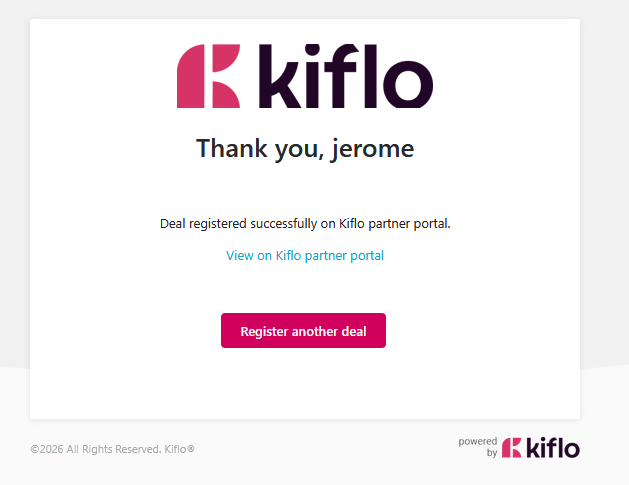
Standalone deal registration form
The standalone deal registration form is a unique page created for each partner team member for them to register deals without having to connect to the partner portal.
It is the fastest and most convenient way for resellers to register deals on Kiflo.
Who can access the standalone deal reg form?
Any team member who:
- Has access to Kiflo
- Can register deals (see: How to customize Partner Program settings?)
How to get the deal reg form URL?
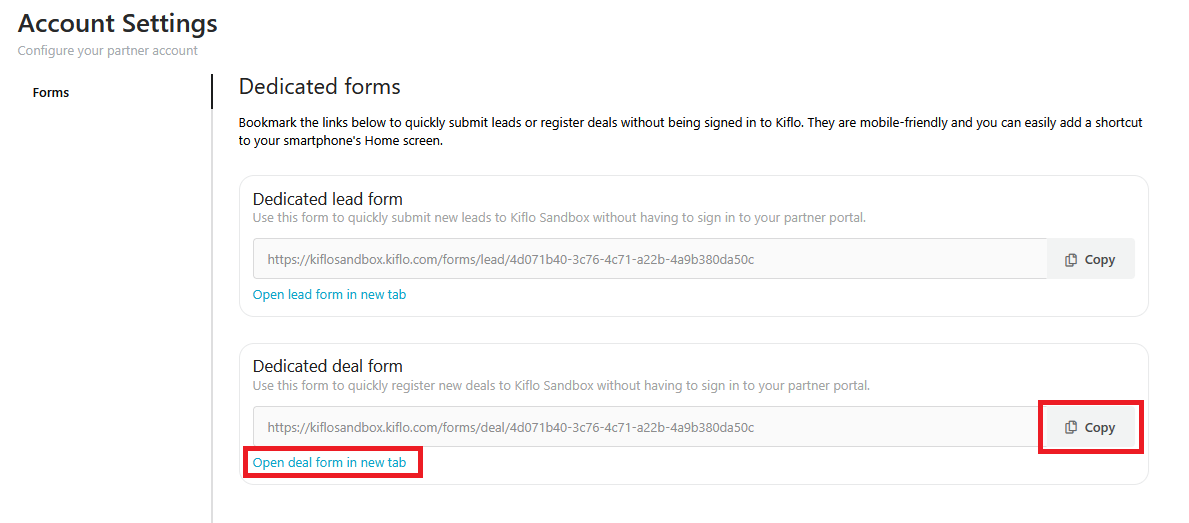
From the partner portal
By clicking the top-right corner menu:
- Then Account Settings
- And Forms
Click the Copy button or Open deal form in new tab link to access the standalone page.
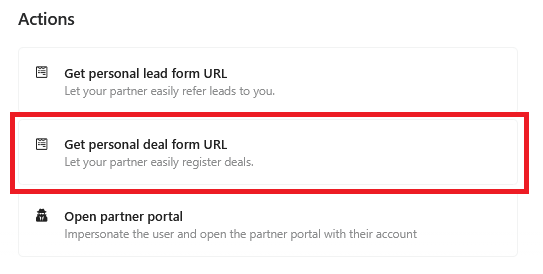
From the admin portal
Open the partner's page for whom you want to get the URL:
- Then go to Team tab
- Click the team member you want to get the URL for
- Finally, click on Get personal deal form URL
How to use the deal reg form URL?
Navigate to the deal reg form URL, you don't need to sign in:
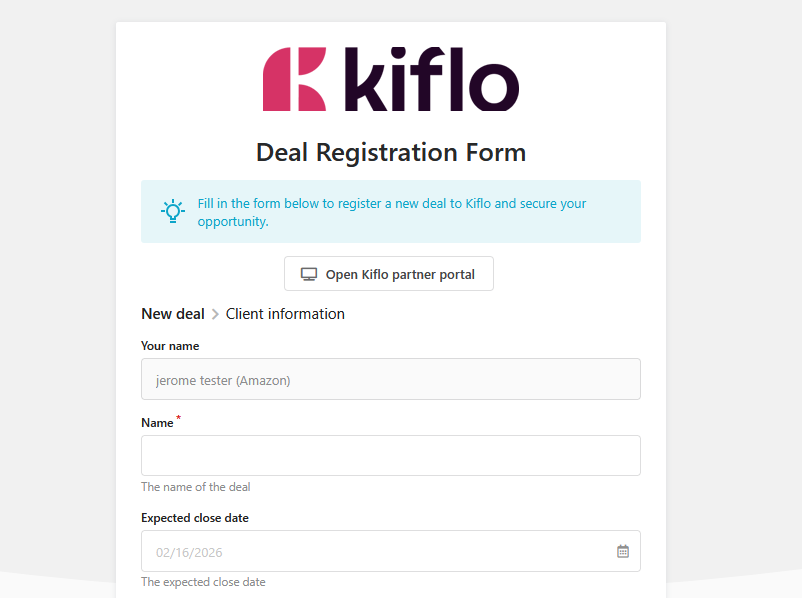
- Fill in the deal form
- Click Next
- Fill in the associated contact form
- Click Register
That's all!