How to associate/convert deals to customers automatically?
It is possible to create customers automatically in Kiflo anytime deals are closed won.
How does it work?
If the option is enabled, anytime a deal is moved to the closed-won stage, a new customer is created and associated with that deal.
The customer's properties are automatically populated from the deal's properties or the contact's properties.
Example: If the following properties are defined on your account:
| Entity | Property name | Example value |
|---|---|---|
| Deal | Subscription Plan | Kiflo Plus |
| Contact | Company Name | FooBar Inc. |
| Customer | Subscription Plan |
|
| Customer | Company Name |
|
Kiflo automatically fills in the two properties on the new customer based on the values defined on the source deal and contact.
If a customer is already associated with a deal when it is closed won no new customer is created.
Associate customers with deals automatically
From your admin portal:
- Click on the user menu (top-right corner)
- Go to Account Settings
- Then click on Deals
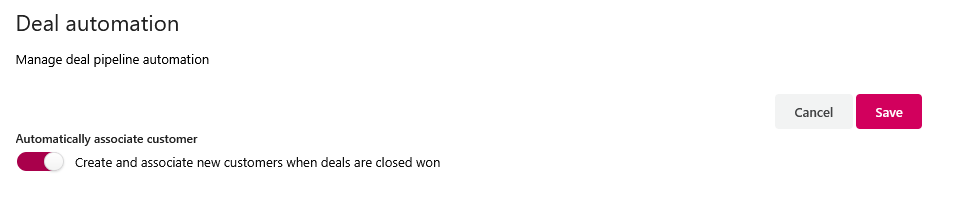
- Scroll to the section Deal automation
- Toggle on the option Create and associate new customers when deals are closed won: